
Cute Markhor Wi-Fi Hacking Device — Full Demo
See the Markhor device in action, on a big screen. In this video Azlan walks you through exactly what is inside the device, how it works, and what it can do — live scanning, Wi-Fi password-strength auditing, jam / deauth resilience testing, spam Wi-Fi creation and signal extension — with lifetime use and no subscription, ever.
What You Will See in the Video
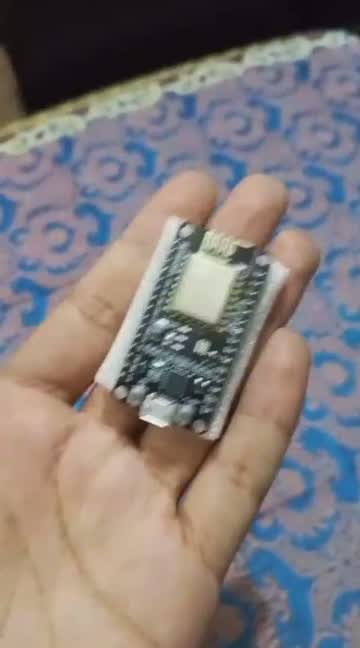
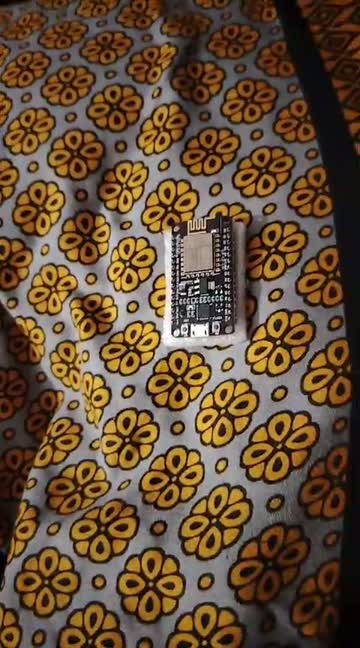
Cute Markhor is a pocket-size wireless security lab with one job: make Wi-Fi security something you can touch, test and truly understand. It runs our own custom firmware — built from scratch, purely for the airwaves — and packs nine professional testing tools into a device that fits in your pocket.
The demo above is a complete walkthrough of the real device. It starts with what is inside the box and how the device is built, then moves to the on-device menu and a live tour of every tool: dual-band scanning that shows every network around you in real time, handshake capture and password-strength auditing on your own access point, the deauth toolkit and Wi-Fi jamming lab that show how your network handles disconnect attacks, the evil-twin demonstration that proves how easily devices can be tricked, spam Wi-Fi creation, the packet monitor that reveals the invisible chatter around every network, and how the same hardware can extend a weak Wi-Fi signal.
Everything is shown on networks we own, in a lab setting — because that is exactly what the Markhor is for: ethical, educational and authorized security testing. Watch the full video, then read what real buyers across Pakistan say about the device below.
Unboxing & What's Inside
The device, its build quality and everything that comes in the box.
First Boot & Live Scan
Power on, open the menu and watch dual-band scanning find every nearby network.
Password Auditing
Handshake capture and password-strength testing on our own access point, explained step by step.
Jam & Deauth Testing
How the deauth toolkit and jamming lab stress-test a network's resilience.
Spam Wi-Fi & Evil Twin
Creating spam access points and the lookalike-AP awareness demonstration.
Signal Extension & Lifetime Use
Extending a weak signal — and why one payment unlocks everything, forever.
Every Feature, Explained
Nine tools. One pocket device. Here is exactly what your Markhor can do.
Dual-Band Network Scanning
See every WiFi network around you — SSIDs, signal strength, channels and client counts — on both bands. The scanner refreshes continuously, so you can watch networks appear and disappear in real time as you move.
- Live network list with signal strength
- Channel view — crowded vs. quiet spectrum
- Client counting per network
Deauth Toolkit
Send deauthentication frames to test how your own network's clients handle disconnects and reconnects — the classic first step in auditing WiFi resilience, built with guardrails for networks you own.
- Targeted deauth, per network or per client
- Reconnect observation
- Pairs with handshake capture
Handshake Capture
Capture WPA/WPA2 4-way handshakes from your own access points for offline password-strength auditing. The device saves captures for later analysis on your computer.
- One-tap capture during client reconnects
- On-device storage of capture files
- Export for analysis with standard tools
Evil Twin
Broadcast a lookalike access point to demonstrate how easily devices can be tricked into connecting to rogue networks — a powerful awareness demo for your own team or classroom.
- Custom SSID cloning for demos
- Captive-portal style demonstration flows
- Strictly for authorized demonstrations
Packet Monitor
Watch raw 802.11 traffic fly by in promiscuous mode. See management frames, probe requests and beacons — the invisible chatter that surrounds every wireless network.
- Live frame view with type breakdowns
- Probe-request sniffing
- Great for learning how WiFi really works
WiFi Jamming Lab
Study denial-of-service resilience on your own lab bench. Flood a test channel and observe how your equipment reacts — then design better defenses.
- Channel-targeted test transmissions
- Lab-only feature with clear on-screen warnings
WiFi Password Auditing
Test the strength of passwords on networks you own. Weak, default or reused passwords fall in minutes — the Markhor shows you exactly why password hygiene matters.
- Dictionary-based auditing workflows
- Works with captured handshakes
- Teaches why long passphrases win
OTA Firmware Updates
New tools, bug fixes and improvements arrive over the air. Your device gets better the longer you own it — with zero cables and zero technical setup.
- Automatic update checks
- One-tap install from the device menu
- Full changelog on the Firmware page
Lifetime Usage — No Subscription
Pay once. Every feature is unlocked forever, with no monthly fees, no feature gates and no "pro" tier. The price on the box is the last you'll ever pay for software.
- Rs 3,000 once — that's it
- All features unlocked from day one
- Free OTA updates for life
From Unbox to First Scan in Minutes
Unbox & Power On
Charge the device, switch it on and the Markhor menu is ready — no computer, no setup, no accounts.
Scan Your Surroundings
Open the scanner and watch every nearby network appear with its signal, channel and client count.
Pick a Tool & Test
Choose a tool — capture, deauth, evil twin, monitor — and run it on your own network, exactly as in the demo.
Learn & Secure
Use what you find to fix weak passwords and harden your Wi-Fi. That is the whole point of the device.
Loved Across Pakistan
Real buyers. Real devices. Real ratings.
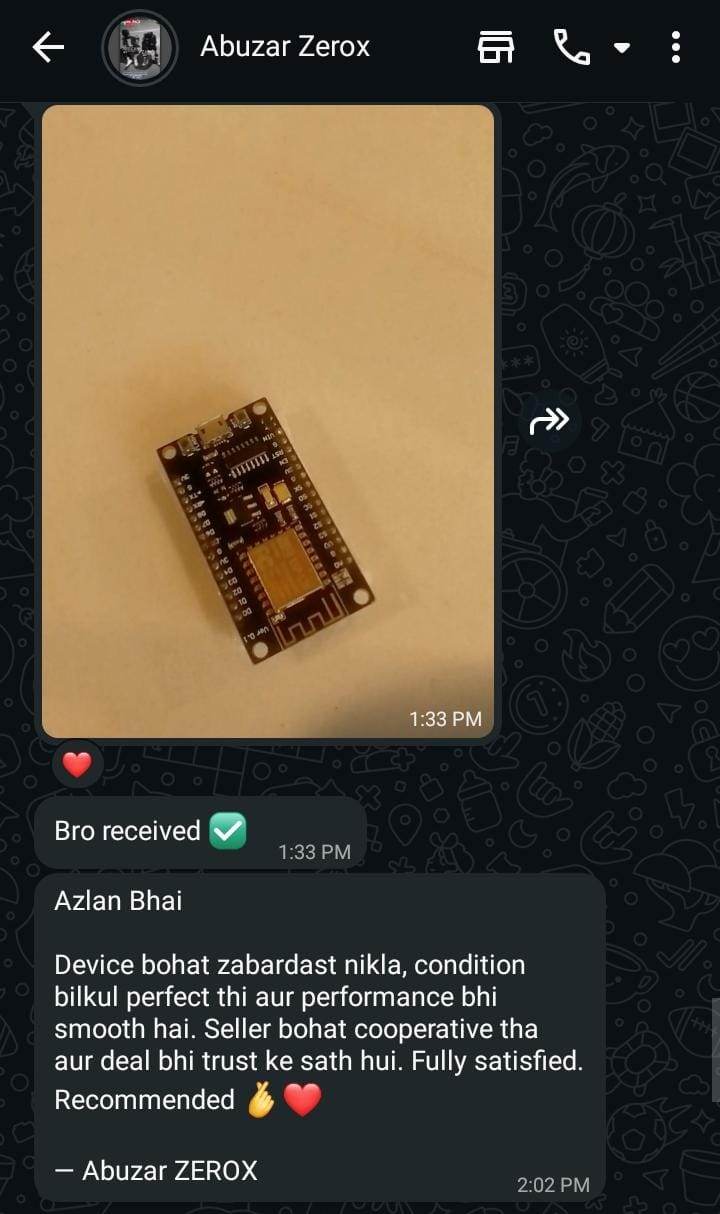
“The device turned out excellent, condition was absolutely perfect and performance is smooth too. The seller was very cooperative and the deal was done with complete trust. Fully satisfied. Recommended.”
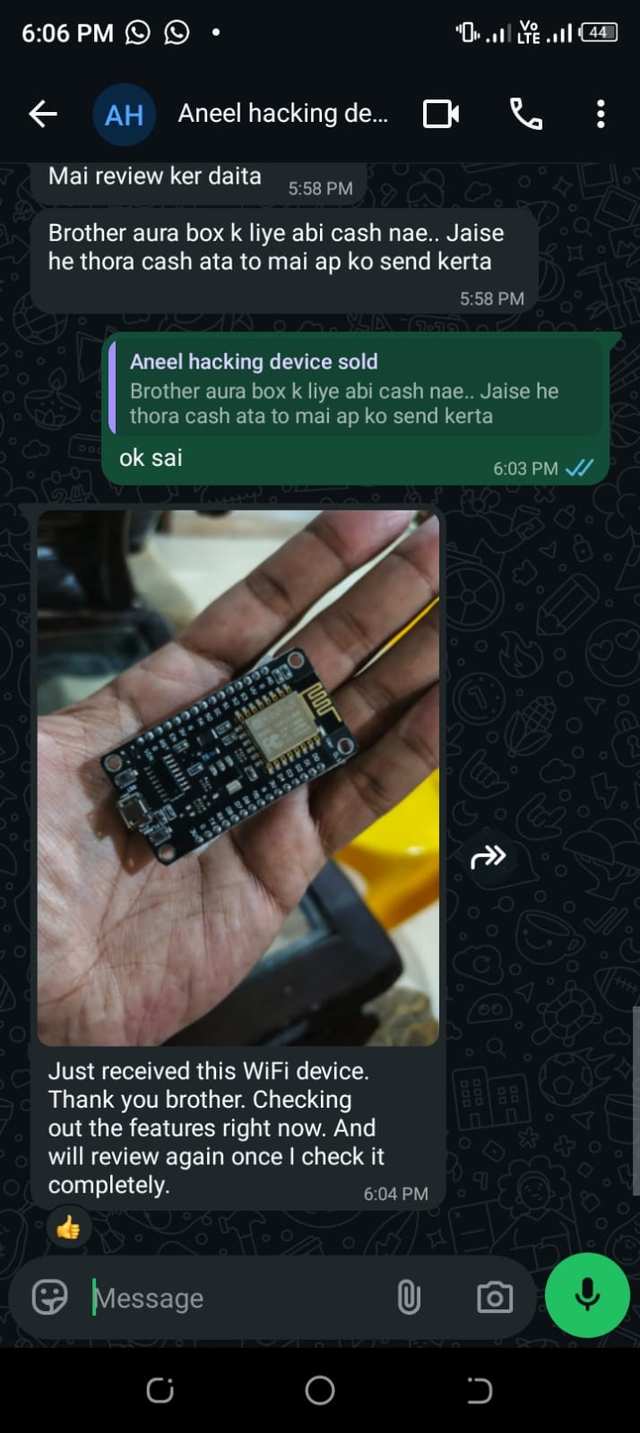
“Just received this WiFi device. Thank you brother. Checking out the features right now. And will review again once I check it completely.”
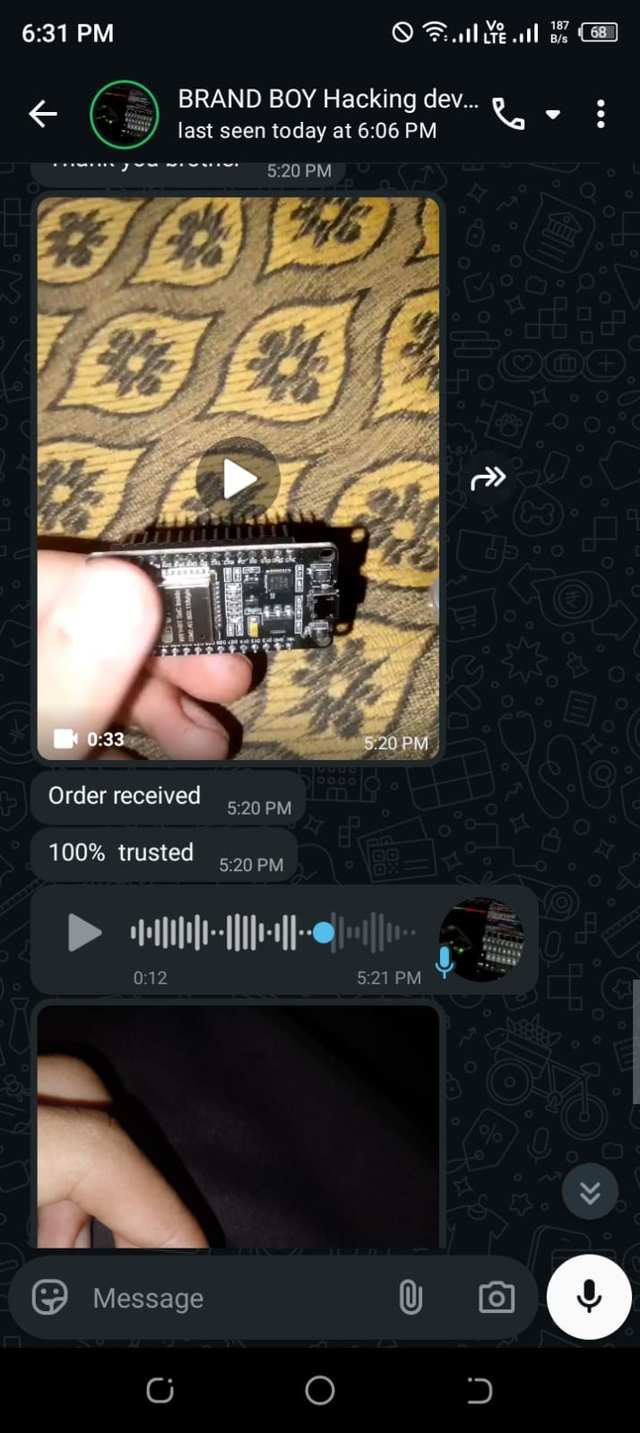
“Order received. 100% trusted.”
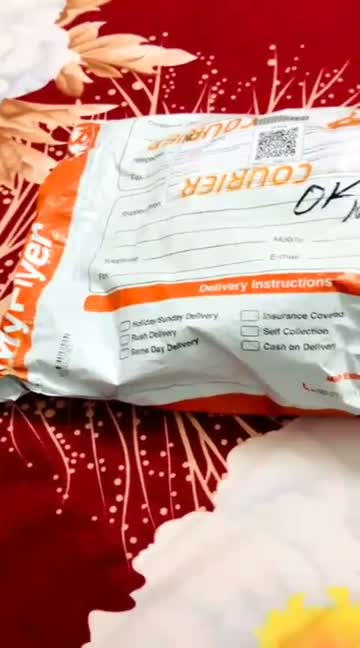
Video Reviews — Watch Real Unboxings
Real buyers, real devices — tap any video to play it on our Reviews page.
Get Your Markhor — Rs 3,000
Cash on Delivery all over Pakistan · 6-month warranty · Free OTA updates for life · No subscription, ever.
For ethical, educational and authorized use only.